App Configuration
Configure your app identity and features. Compilation runs on automated cloud builders.
Interactive Device Preview
https://example.com
 Web to Apk
Paste your website URL & go.
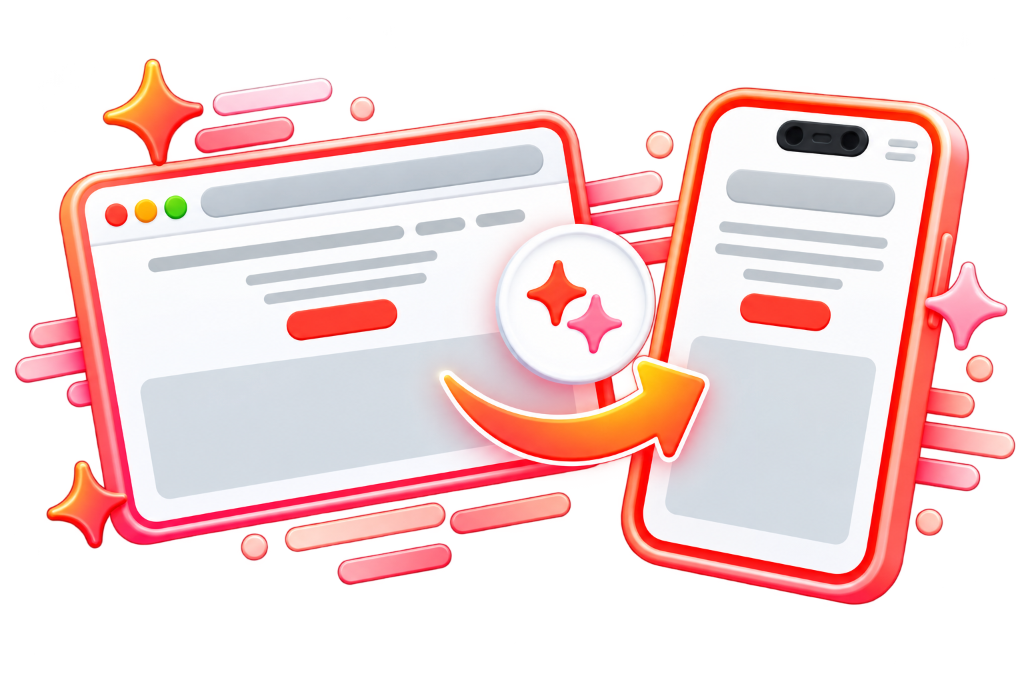
Download the demo app to test.
Ready to launch for App Stores & Playstore.
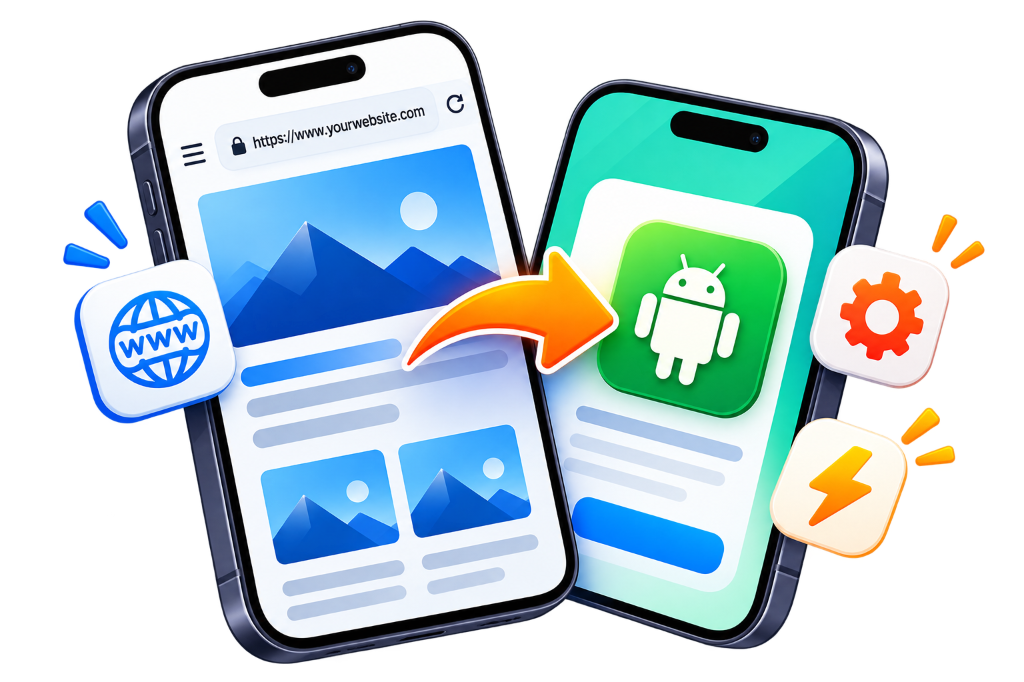
Your Android APK is built and signed via a serverless CI/CD pipeline.
Enter your website URL, pick an app name, upload your icon, and select native features.
Our secure cloud API verifies project parameters and provisions isolated build environments.
Official Android SDK & Gradle compile the WebView container into a real debug-signed APK.
Track real-time compilation steps and download your finished APK file immediately.
Discover features to help your application boost and streamline your business.
Send real-time push notifications to involve users and strengthen app retention.
Set a customized splash screen with your logo and branding for a progressive app launch.
Display a custom screen when users have no internet connection with one-tap retry.
Enable continuous navigation by linking directly to specific app pages from external sources.
Control your app's interaction with websites and services by setting a customised user agent string.
Choose whether external links open inside the app in WebView or in an external mobile browser.
Prevent users from taking screenshots within the app for enhanced security and privacy.
Enable custom URL schemes (e.g. myapp://) to launch your app from links and third-party apps.
Enable or restrict copy paste functionality for sensitive user data control over clipboard usage.
Prevent the app from storing cached web data to ensure real-time dynamic content updates.
Enable users to share app links and open specific pages directly within the native app.
Allow users to download and upload files effortlessly with native file pickers and download manager.
Ensure real-time synchronization between your app and website for instant updated content and data.
Enable users to refresh app content naturally by pulling down on the active phone screen.
Control screen orientation by locking it to portrait, landscape, or full sensor auto-rotation.
Enable or disable pinch to zoom in or out for optimal layout control over the user experience.
Access device location with user permission for location-based stores, maps, and local deliveries.
Display modern spinners, progress bars, or your own custom branded animated GIF while pages load.
Set and customize the version code and name for your app to manage upgrades and Play Store releases.
Improve app security with SSL certificate pinning, encrypted cache protection, and strict origin sandboxing.
Everything you need to know about building, testing, and distributing your web app.
Yes! Our Free Community tier provides unlimited app rebuilds with fast automated cloud runners, zero watermarks, and zero ads. VIP tiers are optional for power features like custom package IDs and custom animated loaders.
Simply scan the generated QR code or download the APK file on your Android device. Tap the download notification, tap "Install", and if prompted toggle on "Install unknown apps" in phone settings.
The generated APK is a debug build designed for immediate sideloading and testing. To publish on Google Play Store, upgrade to VIP to customize your reverse-domain package ID and sign with a release keystore.
Compiled APKs are cached in high-speed cloud KV storage for 24 hours. Free users can rebuild anytime in seconds, while signed-in users have persistent cloud build history.
Yes, absolutely! Since the Android application runs directly against your live website, any changes, blog posts, or store inventory you update online reflect instantly inside the mobile app.
Yes! Modern WebViews support standard HTML5 file upload choosers, camera inputs, persistent session cookies, LocalStorage, and location permissions seamlessly.